Attach documents
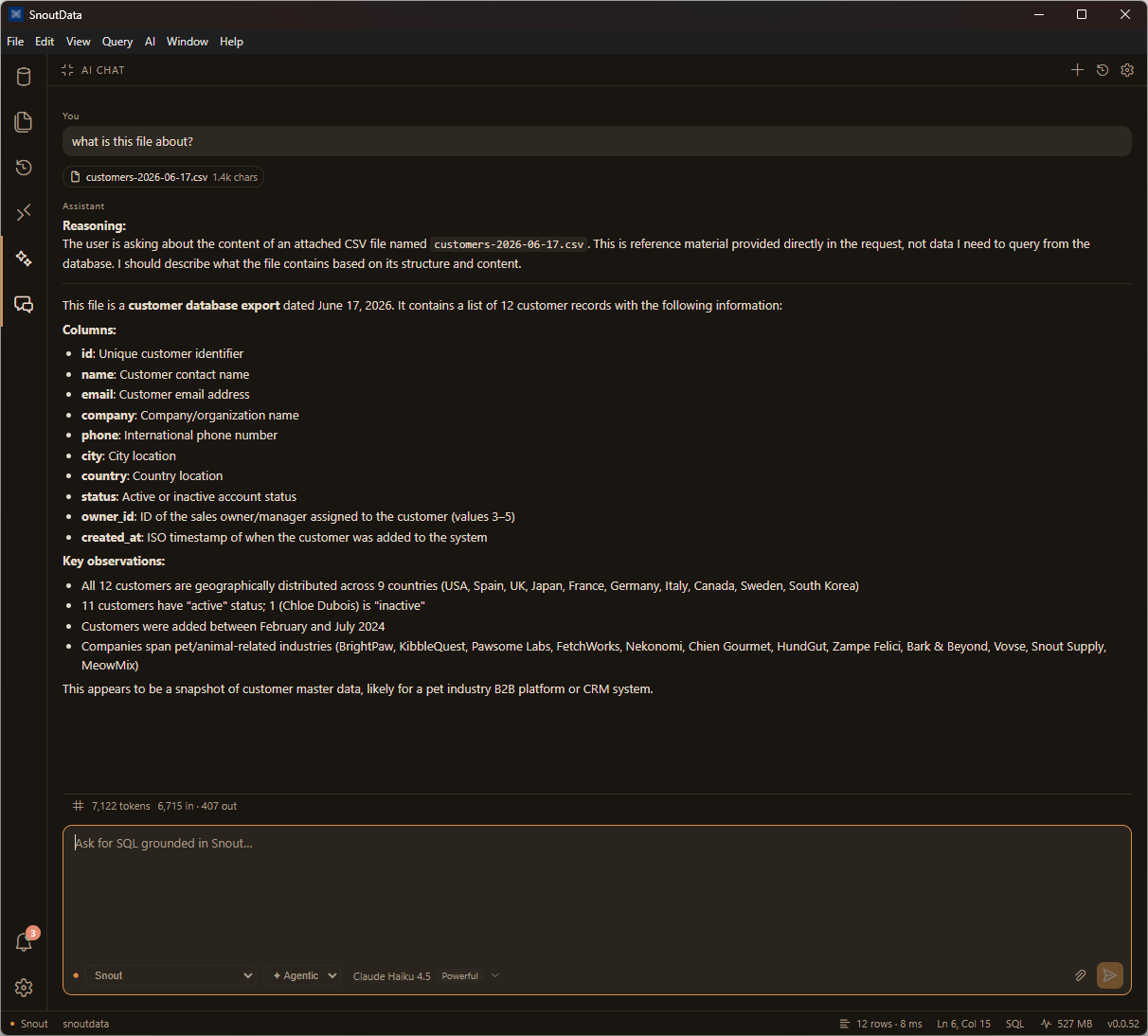
You can attach a file to the AI chat as context, so the assistant can answer questions about data you have on hand, not just what is in the database. Attach a CSV, an Excel sheet, or a PDF and ask about it.
How it works
- Use the attach button in the chat composer to add a file.
- Ask your question. The file's contents are included as context for that message.
The assistant treats the file as reference material provided directly in the request, rather than something to query from the database. Attached content is size-capped, so very large files are trimmed to fit the prompt budget.
Good uses
- "What is this file about?" for a quick summary of an export or report.
- Comparing an external spreadsheet against what is in your database.
- Drafting SQL to import or reconcile the rows in a file.