Install SnoutData
SnoutData is a desktop app for Windows, macOS, and Linux. Get the build for your platform from the download page.
Windows
SnoutData ships through the Microsoft Store. Open the SnoutData listing and choose Install.
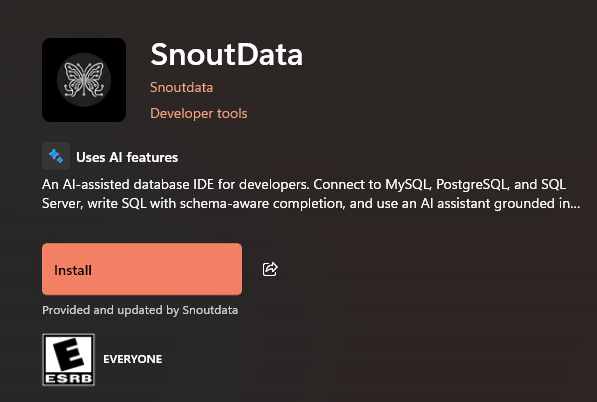
Installing from the Store means no Microsoft Defender SmartScreen prompt, and Windows keeps the app in your library across machines. The app still updates itself (see Updates below).
macOS
Open the .dmg and drag SnoutData into your Applications folder.
Linux
Install the .deb package, or add the SnoutData apt repository so updates arrive through
your package manager. See the download page for the current apt instructions.
Updates
SnoutData updates itself. It checks for a new version on launch and in the background, downloads it, and installs it on the next restart. You can also trigger a check from Help, Check for Updates.
Next step
Once the app is open, connect to a database.